Rainbow Photo & Video Editor Apps for iOS
Make Rainbow Photo Edits or Short Videos with Rainbow Effects
Rainbow photo & video effects apps for iOS - FREE TO DOWNLOAD
RAINBOW LOVE PHOTO
Formerly Rainbow Love App
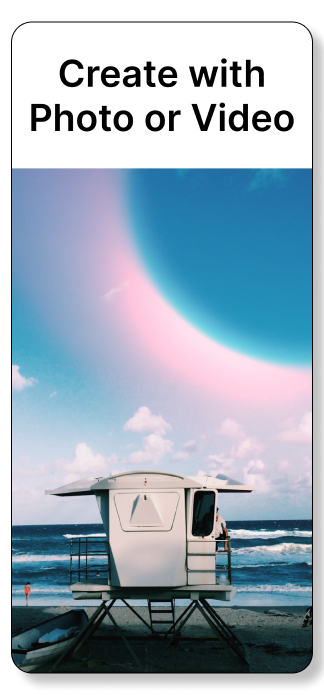
Upload & Export Photos Only
50+ Rainbow Photo Filters
Download Free
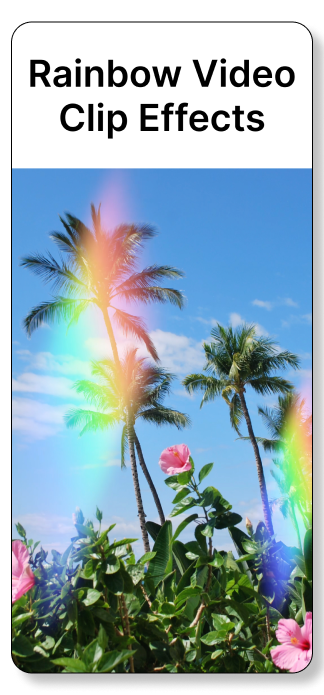
RAINBOW VIDEO CLIPS
Formerly Rainbow Love Deluxe
Upload Photo or Short Video
Exports as Short Video Clip
50+ Rainbow Video Filters
Download Free
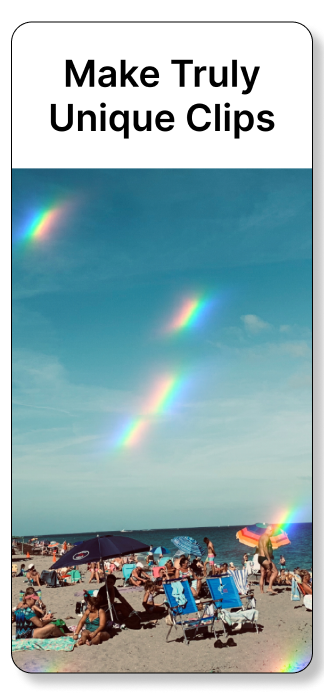
Turn Photos into Short Videos with Animated Rainbow Effects in Minutes

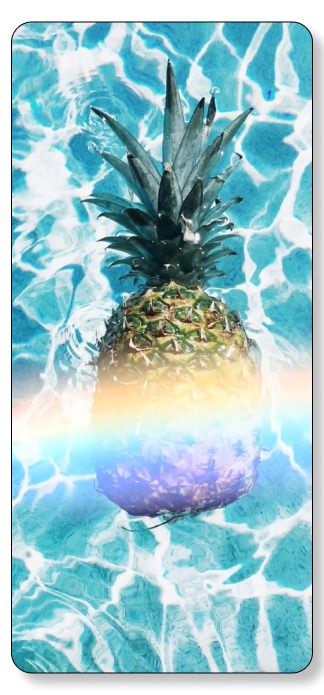
Rainbow Party Pop Filter (first one in the app)
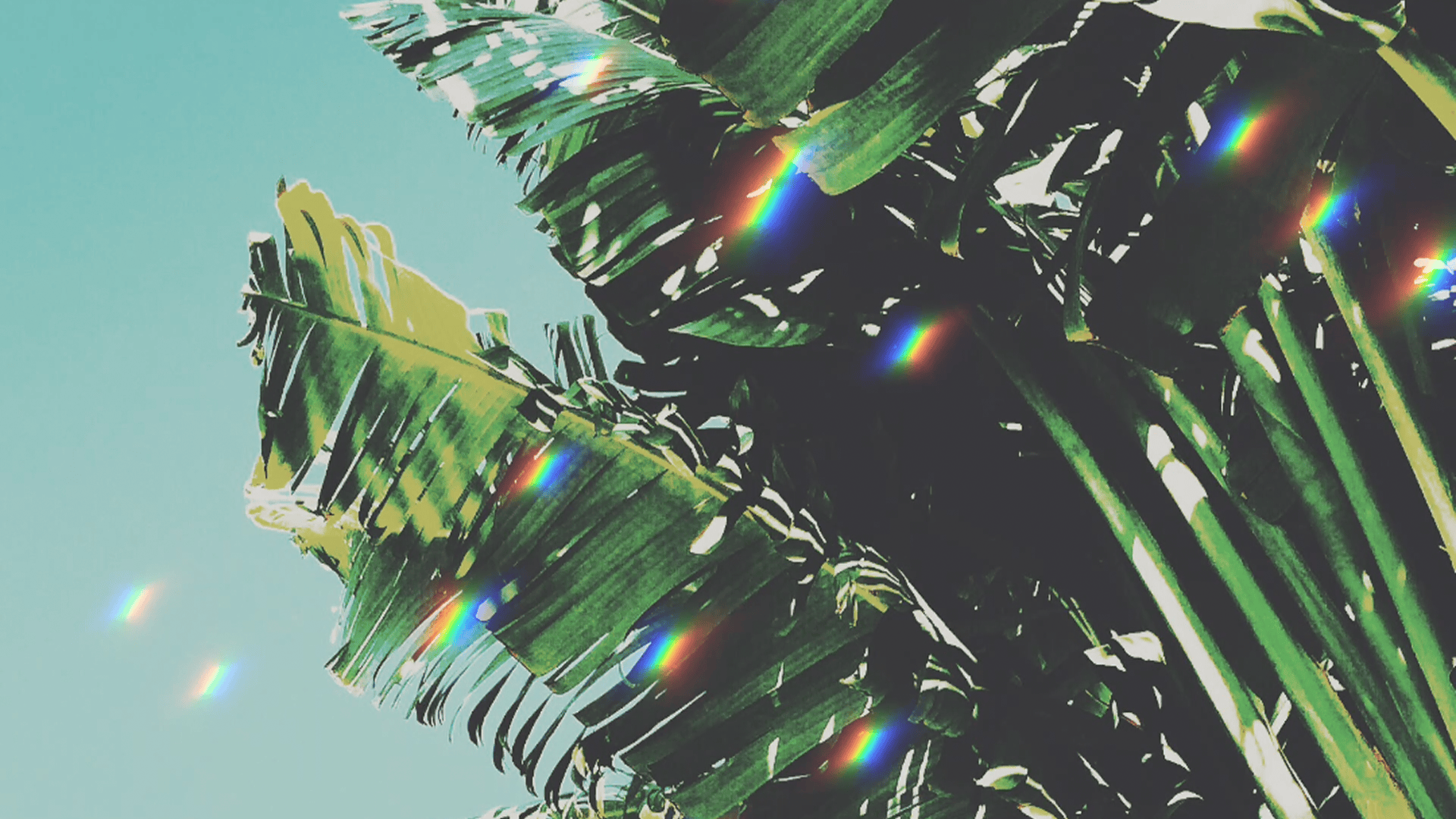
Animated Rainbow Prism Effect Filter
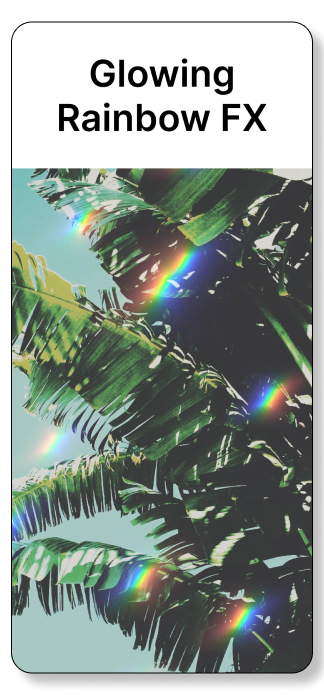
Rainbow Sparkles Video Effect
RAINBOW PHOTO EFFECTS & RAINBOW VIDEO EFFECTS
Add animated rainbow effects with Rainbow Video Clips App • Preview all video filters free • Add animated rainbow prism effects, sparkles, party pop & more. Easily turn photos into mesmerizing short clips with Rainbow Video Clips App • To see more animated rainbow effects view our Rainbow Edits Gallery
RAINBOW EFFECTS FOR SOCIAL CONTENT
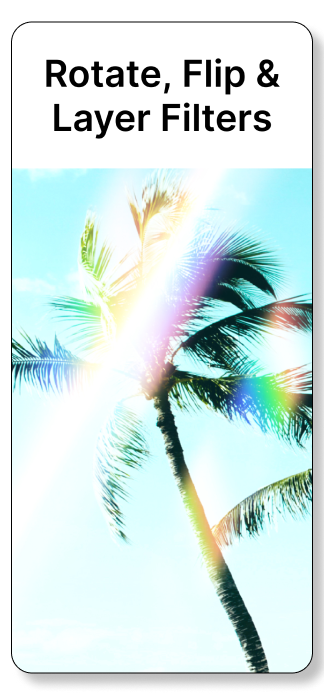
Add eye-catching rainbow effects to your photos and videos with our Rainbow Apps for iOS. Our apps feature a variety of rainbow filters and quick editing tools like flip, rotate, and layer — so you can create vivid, scroll-stopping edits in seconds.
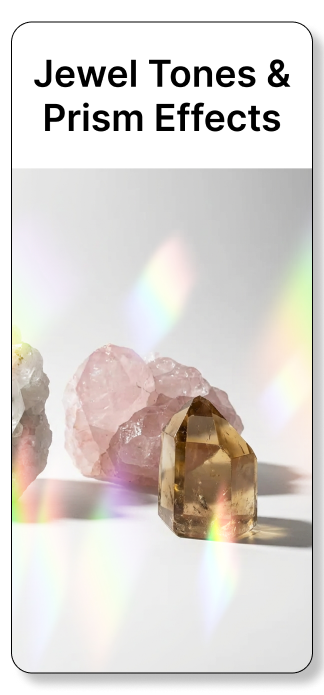
Thanks to our advanced blending modes, each Rainbow Love Photo filter or Rainbow Video Clips animated effect looks different depending on your photo or video, giving every edit a unique, personalized look. Our filters include a wide range of colors — from vibrant jewel tones to soft pastels — and come in multiple shapes and sizes like prism, sparkle, and beam, so you can achieve the perfect rainbow effect every time.
FAQ: RAINBOW LOVE APPS
Adding rainbow effects to photos or short videos is a fun way to add colorful content to your feed. Below are answers to common questions about our iOS apps for adding rainbow filters to photos and short video clips on iPhone.
1. How do I add a rainbow effect to photos or videos?
To add rainbow effects, open a photo in Rainbow Love Photo or a video in Rainbow Video Clips. Select a rainbow filter to preview it. You can layer multiple filters for unique, colorful effects. Rainbow Video Clips can export animated rainbow videos.
2. Which app is good for short TikTok-style videos?
The Rainbow Video Clips app is designed for short video clips, making it perfect for TikTok-style videos, Instagram Reels, and other short-form vertical videos. It exports HD video loops in 9:16, 16:9, or 1:1 layouts.
3. Which app lets me add rainbow effects to my videos?
Use Rainbow Video Clips to add animated rainbow filters to short videos. It lets you apply a variety of effects in just a few taps.
4. What kinds of photos and videos work best with rainbow filters?
Rainbow filters work best with clear subjects, good lighting, and simple backgrounds. Selfies, short clips with movement, and photos with natural light help the filters interact dynamically.
Natural light and shadows make rainbow effects pop
Lighter or neutral tones produce soft, gentle rainbow effects
Darker or vibrant tones create bold, intense rainbow colors
Which rainbow app should I download for making rainbow videos?
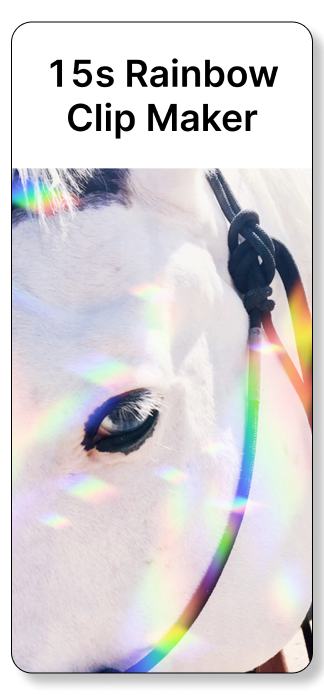
For animated rainbow effects, download Rainbow Video Clips. Upload photos or short videos (up to 15 seconds), apply filters, and export as HD video clips. Both apps can be downloaded free and it’s free to preview all filters on your photos or videos.
How do I add a rainbow effect to photos or videos?
Rainbow Love Photo App and Rainbow Video Clips App are both super easy to use!
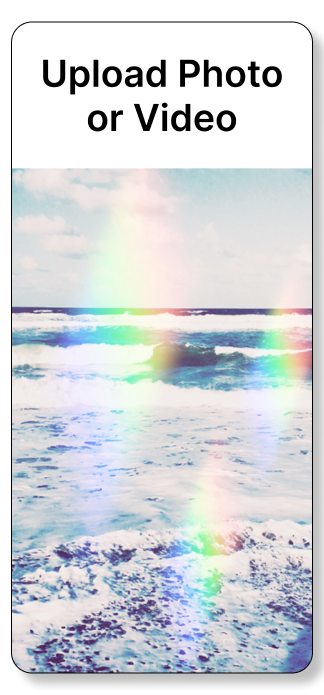
Upload your photo or video.
Select a layout.
Then tap to preview filters.
Tap the yellow Save button to apply a rainbow filter your edit.
All filters in both apps can be flipped, rotated, and layered. Tap the “eye” icon to preview your edit without the app’s interface. To remove a filter, just tap the remove button.
How many rainbow filters can I add to each image or video?
There’s no limit! Layering filters creates vivid, colorful effects, giving you even more creative options for your final edit.
Are the photo and video exports from Rainbow Love Photo and Rainbow Video Clips watermark free?
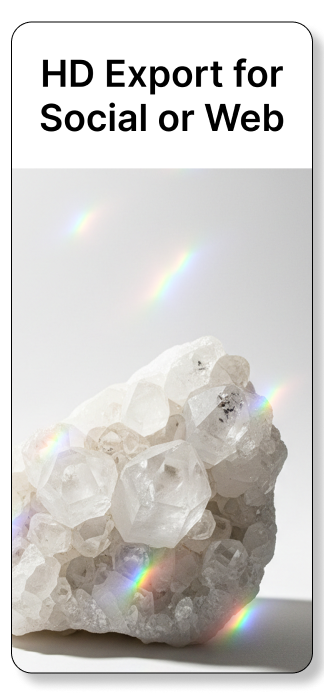
Yes. All photo and video exports are watermark and logo-free. Neither app adds their own logo to user exports, however exporting is a paid feature. Users must purchase a pass or subscribe to export. Both apps are free to download and allows users to preview all filters in either app on any photo or video before exporting - so you only pay when you need to. Videos export as high-definition 1080x1920 or 1920x1080 files. Photos export as high-resolution JPEG. Video and photo export quality depends on the quality of the original image or video.
Are Rainbow Love Photo and Rainbow Video Clips available for Android?
No. Our apps are currently iOS-only and can be downloaded from the App Store. We do not have plans to develop Android versions at this time.
RAINBOW EFFECTS FOR PHOTOS AND VIDEOS